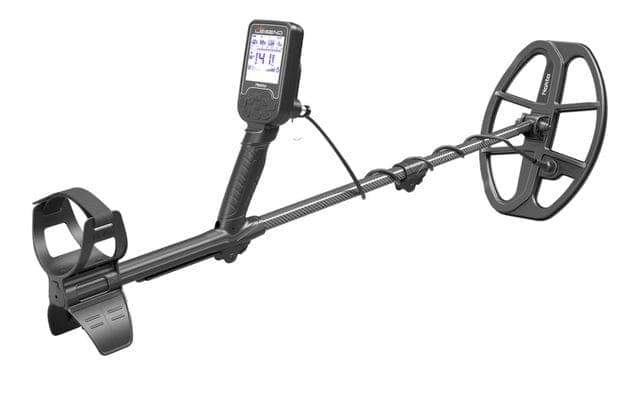
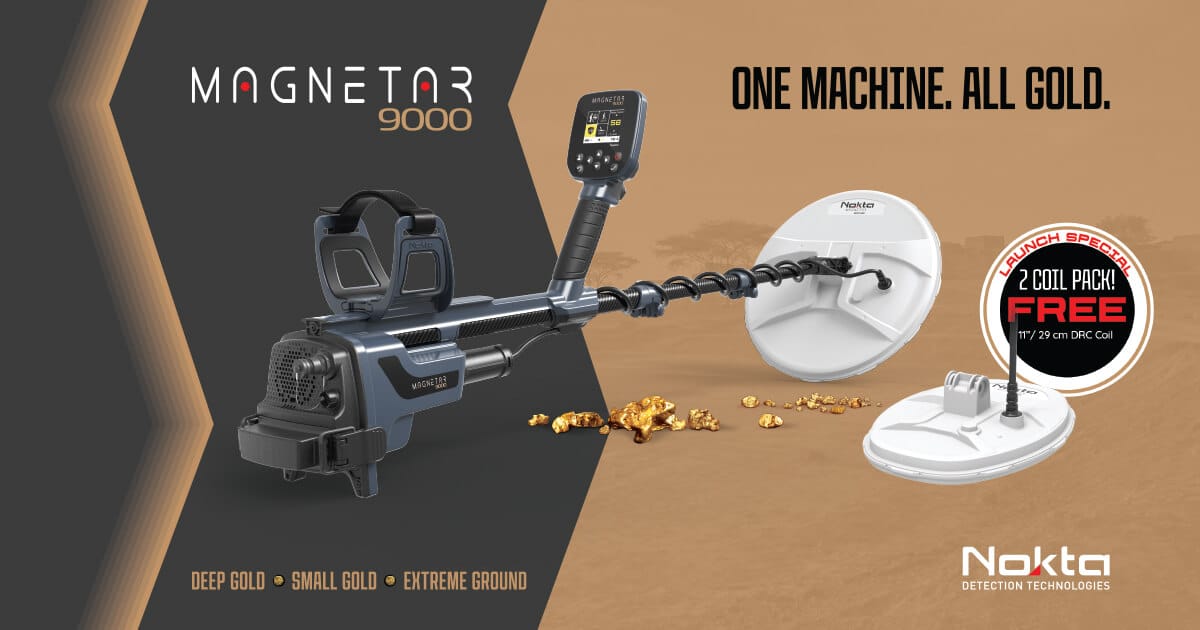
Nokta has released System Software V3.04.04 for the Magnetar 9000, dated 22 September 2026. According to the dealer Serious Detecting, the update improves the detector's ground balance and stability, as well as fixing some minor bugs. Installation takes a few minutes and requires a computer.
Ground balance is the improvement that matters most in the field. Gold is often found in the most difficult soils: iron-rich red earth, black sands and hot rocks, which generate their own signals. A pulse induction (PI) detector proves its worth precisely through its ability to cancel out these disturbances, and the cleaner it does so, the easier it is to hear a weak target beneath the background noise. A more stable threshold also reduces fatigue during long days of prospecting.
The file should be downloaded directly from Nokta's website, to be sure you are using the original version. It is a .zip folder, but the detector only reads the .hex file contained inside it, which must therefore be extracted before copying anything.
Before starting, the detector's battery must be charged to at least 50%; if not, it is advisable to recharge it. Then connect the Magnetar 9000 to the computer with the USB cable. A padlock icon appears on the detector's screen, while on the computer the device shows up as a removable drive called MAGNETAR.
At this point, copy the extracted .hex file onto the MAGNETAR drive, without renaming it and without copying the .zip archive. Once the copy is finished, disconnect the USB cable from the computer: the update starts on its own. When it is complete, the detector switches itself off. Throughout the procedure the battery must remain inserted and, according to Nokta's instructions, the search coil must also stay connected.
The step Nokta describes as very important is the factory reset, to be performed once the update is complete. The reset erases the settings saved with the old software, so that the new version starts from clean default values. The location of the reset option is indicated in the user manual. For this reason, it is advisable to note down your own settings before updating, so you can re-enter them afterwards.
After the reset, it is advisable to redo the ground balance at the site where you intend to search. Since this release changes the way the detector handles ground, the first outing should be treated as a new setup, without assuming that the old values are still suitable.
If problems arise, the suggested checks are simple: make sure you copied the .hex file and not the .zip, that the file name has not been changed, that the battery is at 50% or higher and that the search coil is connected. Nokta also specifies that an incompatible file is not installed: by disconnecting the cable, the detector continues to work with the software version already present.
For owners of the Magnetar 9000, this is therefore a free and quick update, aimed above all at those searching for gold in heavily mineralized ground. The only precaution is not to skip the factory reset, and to devote a few minutes to a new calibration in the field.