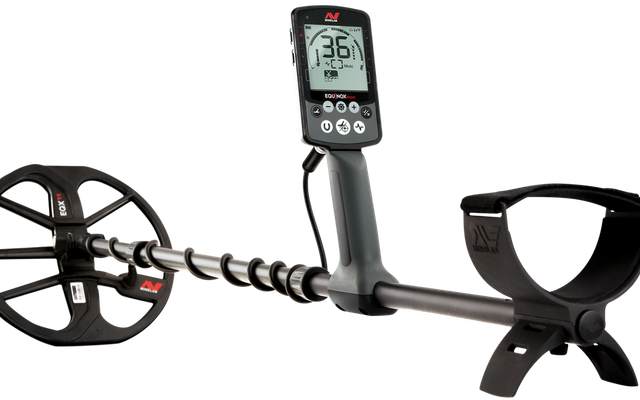
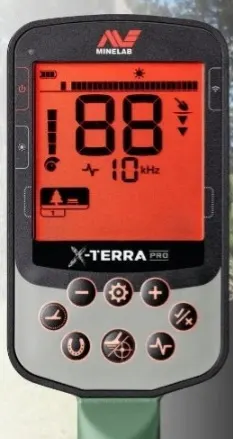
The current software for the Minelab X-TERRA PRO is build 1.79.0-3.3.4, released in June 2024. It is a modest update that introduces just one new feature: a continuous Noise Cancel capable of finding clean channels that the previous procedure, performed only once, could not find. It is free, keeps the user's settings and can be reversed by returning to the previous version.
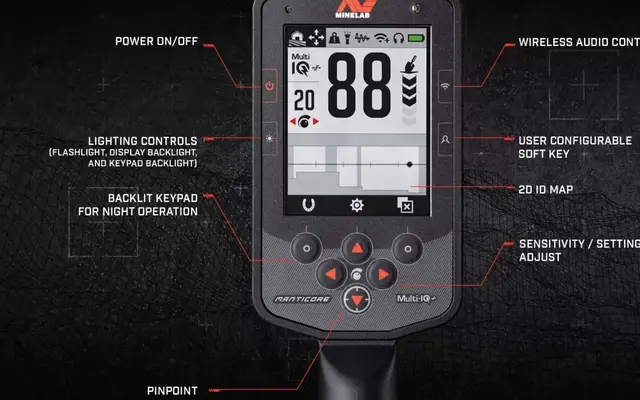
Before the update, the X-TERRA PRO's Noise Cancel function was activated once and selected the quietest channel at that precise moment. Now, after selecting Noise Cancel in the Settings menu, you just hold down the Accept/Reject button: the metal detector keeps sampling all channels for as long as the button is pressed. A longer sampling period makes it possible to measure each channel more accurately and to catch intermittent interference, the kind that makes the machine "chatter" for no apparent reason.
According to the source, the procedure should be run for 30-60 seconds upon arriving at the search site, and repeated if the noise increases. An example is cited of a playground next to a mobile phone repeater: a spot that had been unusable up to that point, where a prolonged Noise Cancel found a clean channel and the X-TERRA PRO stayed silent for the entire session. The new feature is therefore particularly useful in parks and urban areas, where this model is most often used, and more generally near power lines, buildings and antennas.
The update applies exclusively to the X-TERRA PRO. The X-TERRA ELITE was sold from the outset with the most recent software and requires no action. The situation is different for the Equinox 700 and 900, which received a broader update in the same period, including the Iron Bias -1 setting. The latter is not part of the X-TERRA PRO release and therefore should not be looked for in this model's menus.
To install the software, you need the X-TERRA PRO Minelab Update Utility, a small free program compatible with Windows 10 or macOS 10.15 and later. The detector must be connected to a USB 2.0 port via the magnetic charging cable, with the search coil attached and the unit switched on: the utility handles the rest. According to the source, the entire operation takes about four minutes.
If the update is interrupted, the detector may turn back on with a black screen and a rapidly flashing green LED. This is not a fault: the machine is simply waiting to complete the procedure. It is enough to restart the utility, reconnect the detector and repeat the update.
In practical terms, the change is small but targeted: it addresses one of the most common problems for those searching in environments rich in electromagnetic interference, where an unstable detector makes it hard to distinguish useful signals. Moreover, the June 2024 release is the only update Minelab has published for this model since its launch: if the display shows version 1.79.0-3.3.4, the software is already up to date.
For those weighing which X-TERRA to choose, it is worth noting that the difference between the PRO and ELITE is not limited to software: the ELITE is the newest model in the family, while the PRO remains a very popular machine among those who search in urban areas and parks, where managing interference makes the difference.